
Chat · conversations & attachments
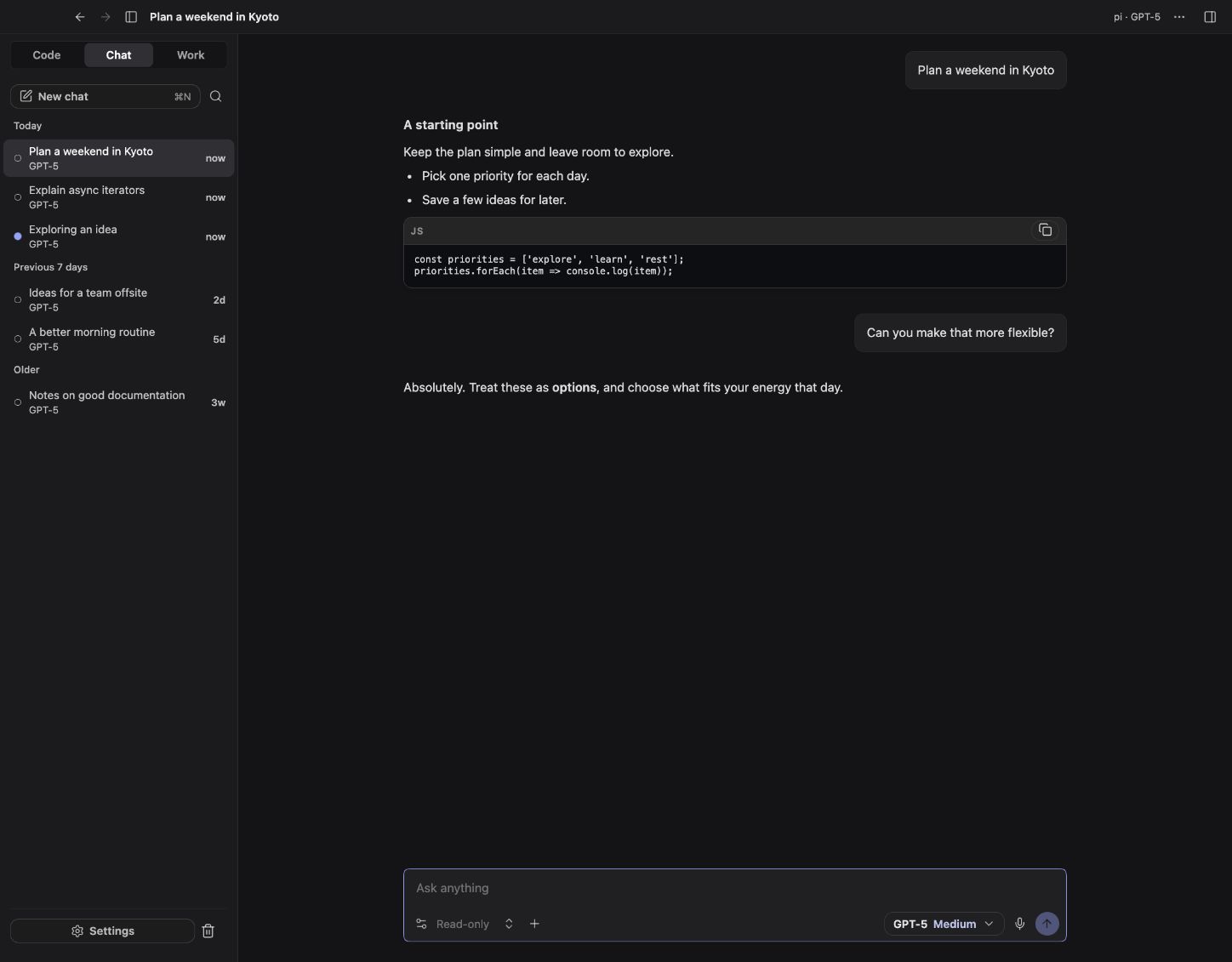
Chat is a separate conversation mode for questions, writing, and discussing supplied material. It does not require a Code project.
Try your first message
After model setup, choose Chat → New chat, select your model, and send:
Explain what a to-do list is in two short sentences.Expected result: a written reply appears in the conversation. The reply may arrive a few words at a time; that is called streaming. Use Stop to interrupt it. This example needs no project folder or extra tools.
The message box is where you type requests; technical pages also call it the composer. The glossary explains other terms used below.
Offline preview with sample data.
Start a chat
Choose Chat in the sidebar, select New chat, and pick an enabled model. Replies stream into a centered conversation. Use Stop to interrupt a response.
Chat runs on pi with its own restricted set of tools and settings. Choosing another engine for Code does not change Chat's engine. The available models come from your provider settings, and Chat can have its own default model.
What Chat can access
By default, Chat has no project filesystem tools, shell tools, or general MCP connectors. It runs in an isolated scratch directory. The access picker reflects that restricted profile.
Files you explicitly attach are different: their supplied content becomes part of the conversation and can be sent to the selected provider. Chat does not need permission to read arbitrary project folders to discuss an attachment you provided.
For tasks that must edit a repository, use Code. For tasks that should produce files in a chosen folder, use Work.
Attach material
Use the attachment control or drag a supported file into the composer.
| Attachment | Current limits |
|---|---|
| Text-like files | UTF-8, at most 1 MB per file; binary/NUL-containing files are rejected. |
| Images | PNG, JPEG, GIF, or WebP, at most 20 MB per image; the model must accept images. |
| Message inputs | At most 31 attachments alongside the message text. |
Supported text extensions include Markdown, plain text, CSV/TSV, JSON/JSONL, XML, YAML, TOML, logs, and common source files. This is not a general PDF, Word, or spreadsheet parser. Use Work's document tools for those formats.
File size checks do not guarantee that the combined content fits the model's context window. Smaller, relevant excerpts are often easier to use accurately.
Optional Web access
The per-chat Web toggle starts off. It requires the browser feature and browser connector to be enabled.
The Chat profile permits a restricted read-oriented browser subset: navigation, page snapshots, and screenshots. It does not enable the full browser interaction or desktop automation toolset. Navigation still contacts external sites and may carry normal website/session behavior.
Keep Web off when the supplied material is enough. Inspect citations and source dates when an answer depends on web content.
Revisit, revise, and export
- Chats have their own history, search, pinning, and rename controls.
- Edit and resend or Regenerate revisits a response through the supported fork behavior.
- Switching a model preserves access to the previous history through the chat's branching behavior.
- Export as Markdown saves a local text copy of the conversation. Review it for private material before sharing.
Moving a stopped chat to Trash supports restoration for 30 days. Stop an active response before trashing it. Trash is not a backup strategy or a promise of indefinite retention.
When a response fails
First confirm that the provider and model remain enabled and that the model accepts the attachments. An image request can fail even when a plain-text request works.
Authentication, quotas, endpoint compatibility, and context limits are covered in providers and troubleshooting. Do not attach a credential-bearing log to a public issue.